Introduction
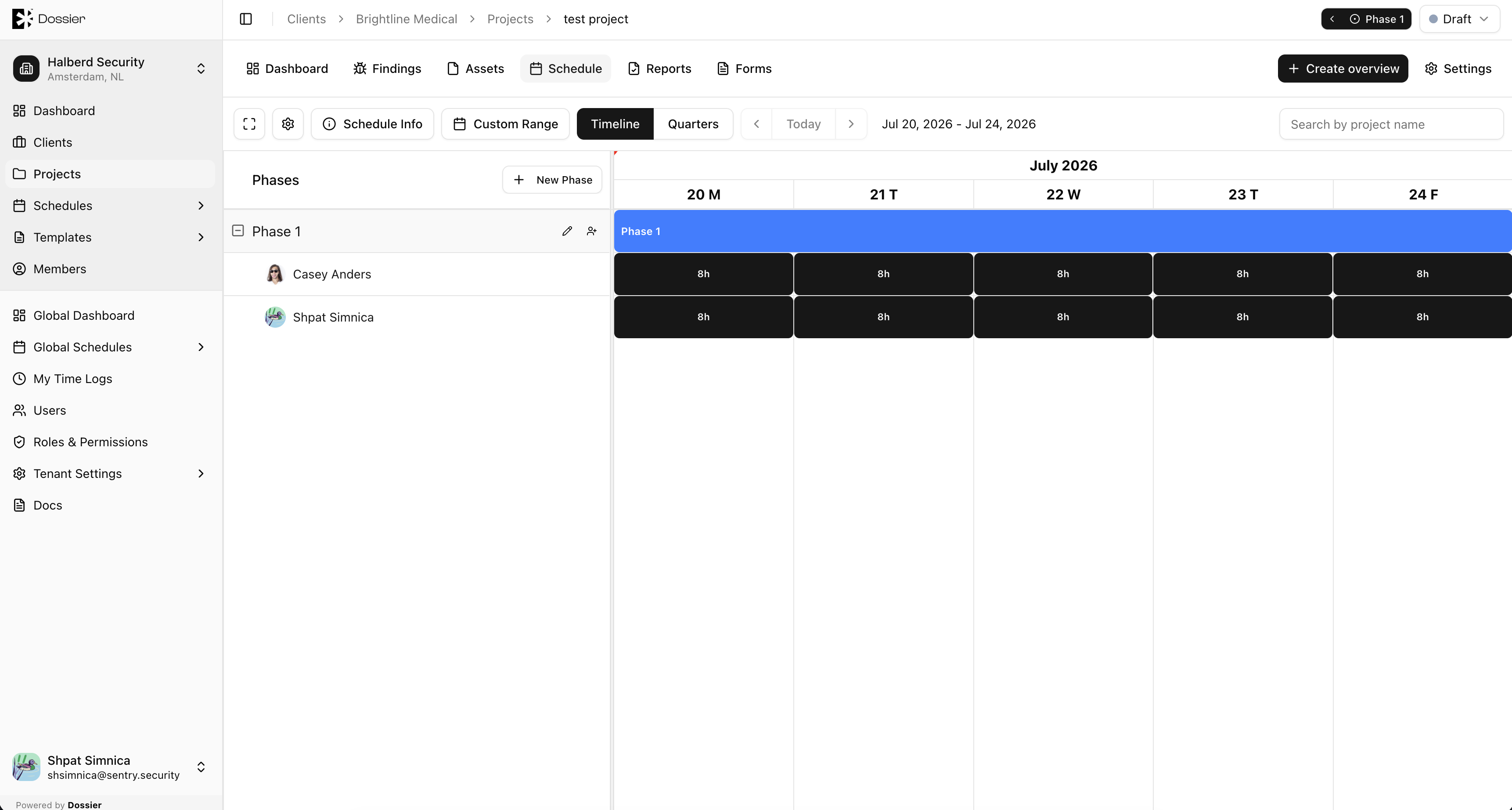
Time logs allow consultants to record hours worked against scheduled tasks. Each log entry tracks the number of hours, billing type, and the project task it belongs to.
Billing Types
| Type | Description |
|---|---|
| Billable | Hours charged to the client. |
| Non-billable | Hours not charged to the client. |
| Internal | Internal overhead or training time. |
Accessing Time Logs
| View | Route | Who |
|---|---|---|
| My Time Logs | /profile/logs | Current user's own logs |
| User logs (admin) | /users/:userId/logs | Any user's logs (requires permission) |
Summary Stats
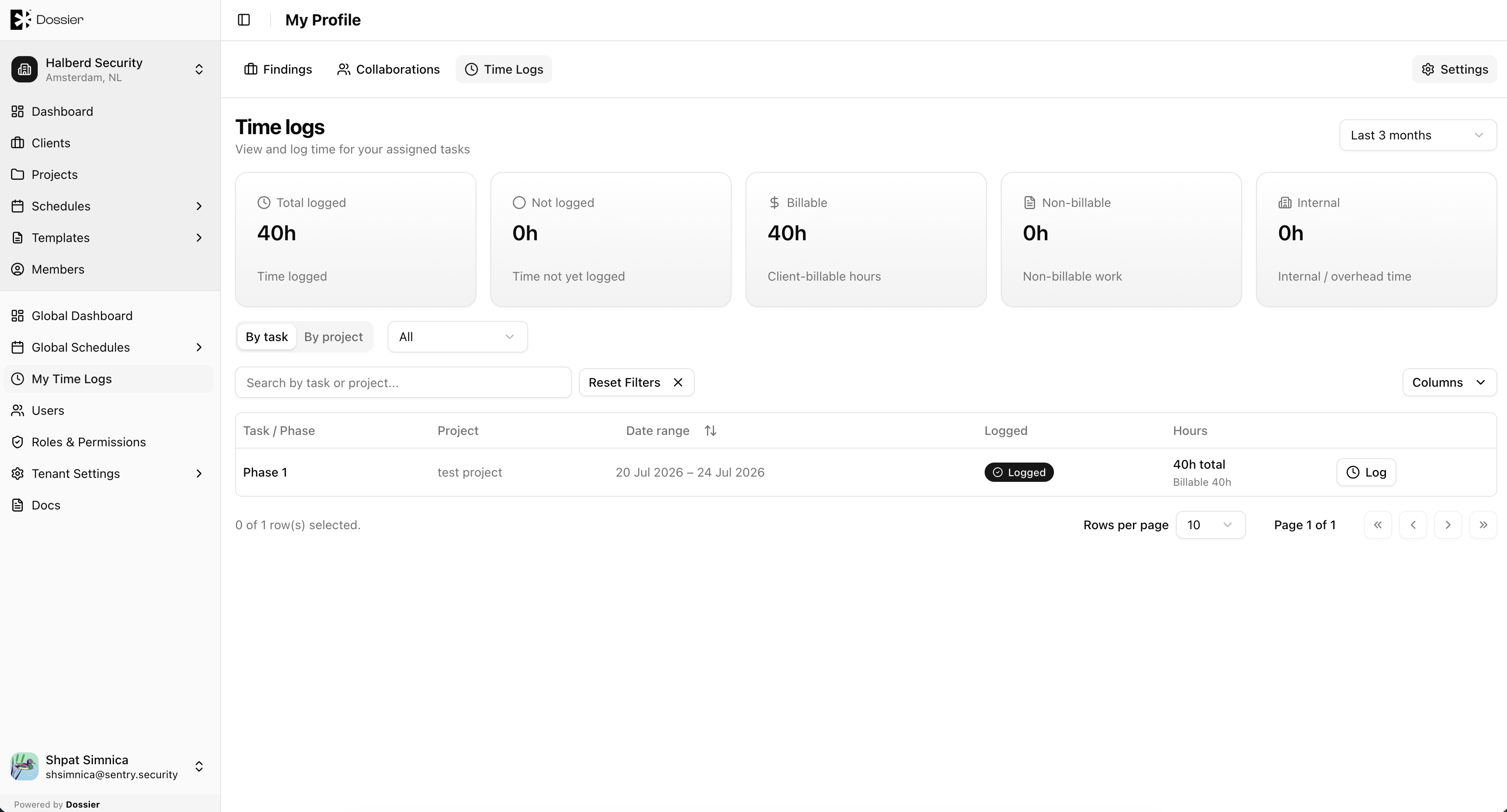
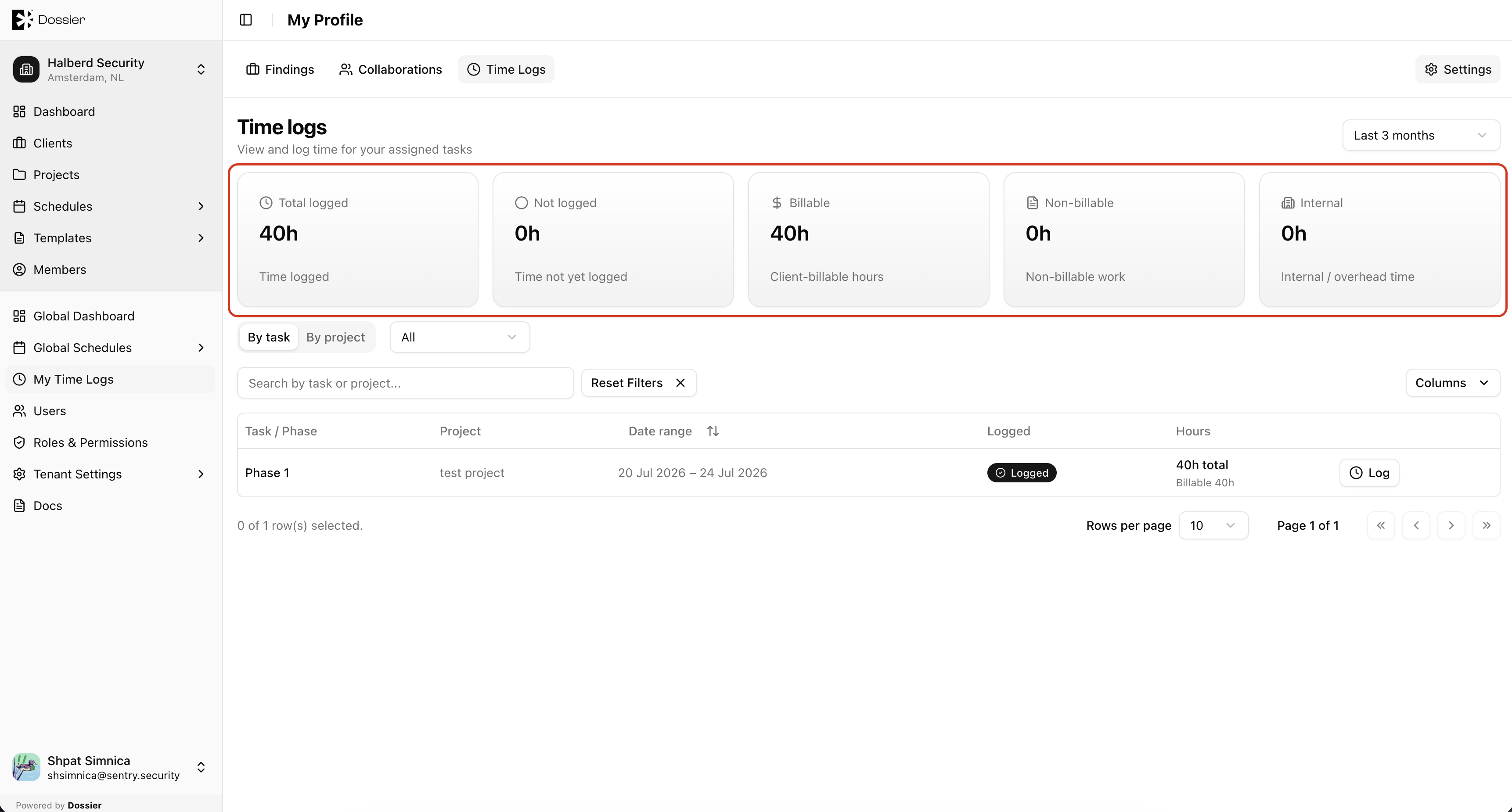
The time logs page displays summary cards:
- Total hours — All scheduled hours in the selected period
- Logged hours — Hours that have been recorded
- Not logged — Scheduled hours without a log entry
- Billable / Non-billable / Internal — Breakdown by billing type
Relationship to Schedules
Time logs are recorded against user tasks created in project schedules. A consultant must be assigned to a task on the project schedule before they can log hours against it.
See Manage Schedule for details on creating tasks.